The GroundCrew platform
A living farm.
One clear picture.
See the work, people, plants, stock, sales and spending that keep your farm moving. Spend less time piecing together what happened and more time deciding what to do next.
01 / Make daily work easier
Clear jobs.
Useful proof.
Organize your land by Site, name your crops or livestock, and post the work your farm needs. Your crew can see what to do, record the result and attach proof.
- Company-wide and Site-specific work types
- Independent results for each assigned task
- Photo and video proof, issue reports and work review
- Calendar, job history and future work dates
WORK · PALM ESTATE
Harvest Palm Fruit Bunches
Saved for review
03 / Plan the week
See what’s coming
on the farm.
On a tomato farm, schedule transplanting, weeding and harvest across the month. Managers can spot busy days, open a job from its date and keep future work visible alongside active jobs.
- Calendar follows planned work dates
- Open a date to review that day’s jobs
- Tap a job to open its details
Pepper picking · Demo tech added 18 kg and photo proof.
Shell Road Site · 9:32 AMChika is available for pepper bed weeding tomorrow.
Shell Road Site · 8:14 AMInspect pepper plants for pests.
Shell Road Site · Yesterday04 / Stay up to date
Know when the
crew moves work.
When a pepper-farm technician submits a result or confirms availability, the manager can see the update in GroundCrew’s notification inbox. Job, proof and farm-record events help the team follow what changed without chasing every update by phone.
- Recipient-scoped notification history
- Unread updates and mark-as-read controls
- Notifications for work, proof, farm records and attendance
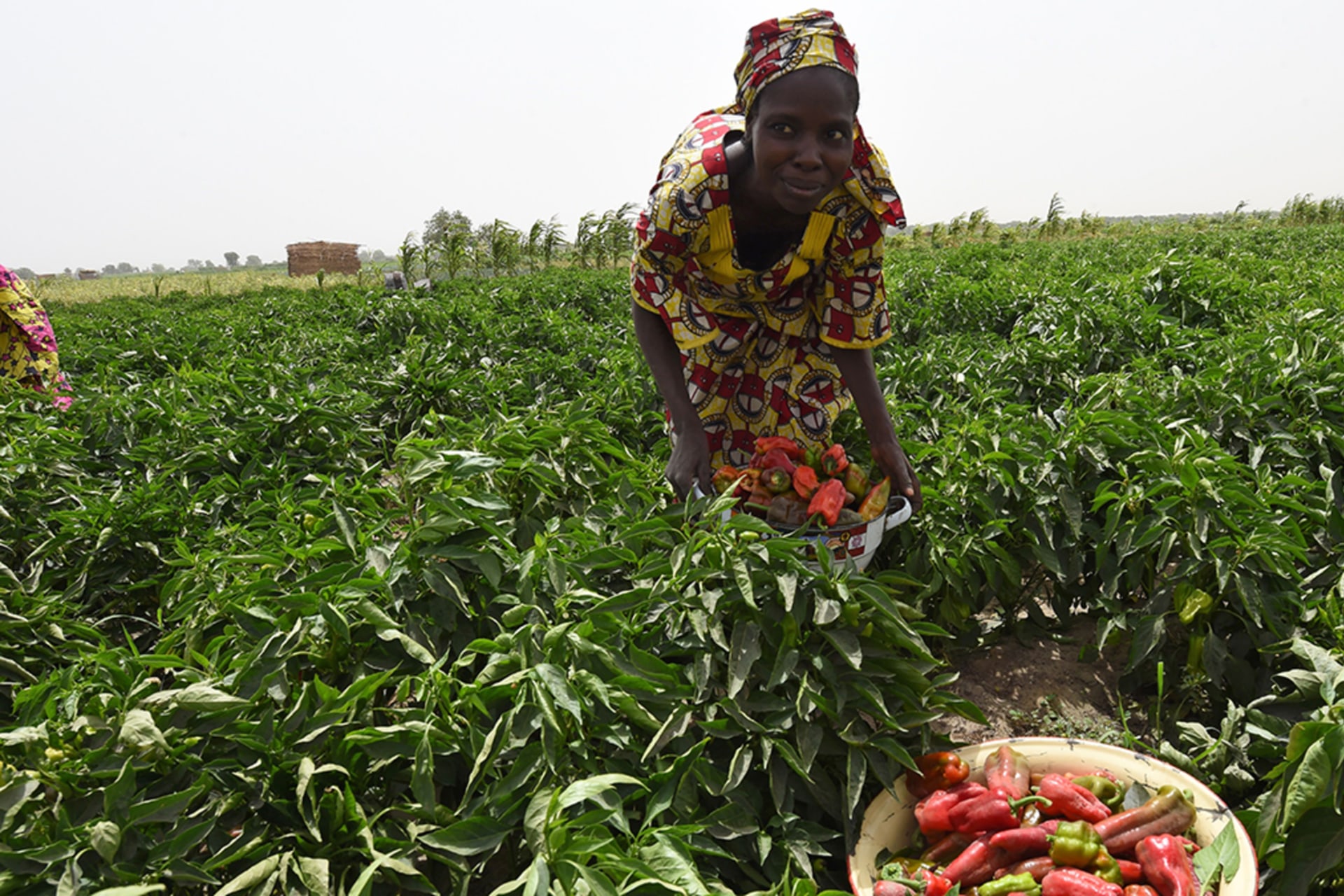 Pepper harvest · work recorded by the crew
02 / Individual tracking
Follow a plant
through its story.
Create QR or barcode IDs for individual plants. Scan a label or search its code to see its record and add dated observations—so teams can follow plant-level work over time.
05 / Know your stock and spending
See what comes
in and what goes out.
Keep farm-named inventory, stock movements and trading places together. Record purchases, sales, harvest, use and adjustments. The activity ledger shows money in and out in the company’s chosen currency.
06 / Your people and their time
Know who’s
on the ground.
Your crew can confirm availability, clock shifts and see the work lined up for them. You can see who is on your team, the jobs they have completed, recorded shift hours and timesheet history.
- Farm team directory and member search
- Clock-in and clock-out records
- Completed work and shift-hour overview
- Company-scoped notifications and inbox
Demo tech
40 completed jobs · 168 recorded hours
Keep working beyond the signal
Keep capturing
work in the field.
After assigned work has been opened online, crew members can save results and proof offline. GroundCrew keeps a durable draft and syncs it when the connection returns. Signing in and first loading assigned jobs still need a connection.